Start with your video idea
Funny moments, dog training, a makeup tutorial. Search what your video is about and get relevant tag suggestions in one place.
 TIKTOK HASHTAG CHROME EXTENSION
Turn your video idea into a set of relevant hashtags. Get hundreds of suggestions, spot lower competition and find tags that are growing.
5 searches to explore. Create a free account for 20 searches a month.
Search queries are sent to TikTok and Hashtag Sonar. Saved sets stay on your device. Read the Extension Terms and Privacy Policy.
ONE TOPIC. MORE POSSIBILITIES.
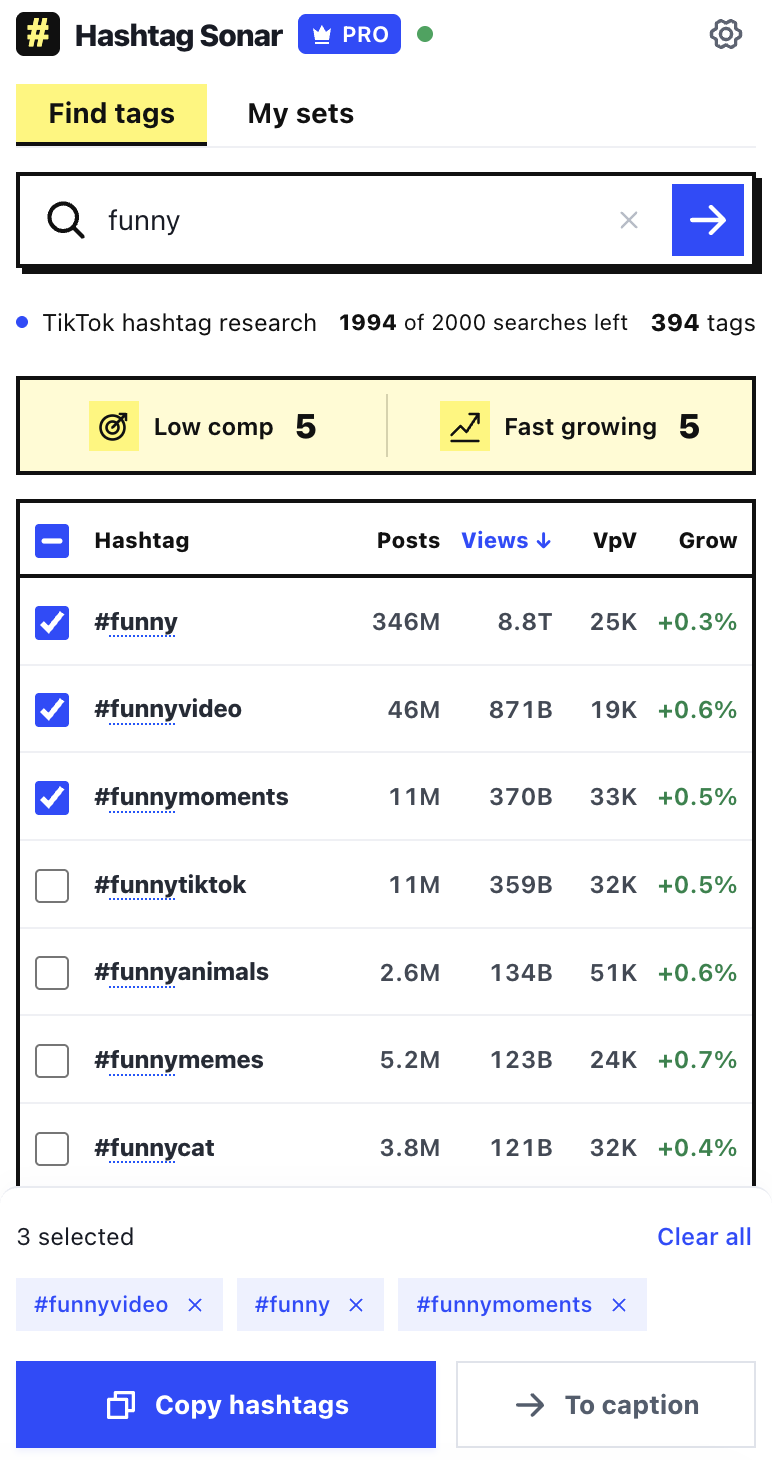
Search a topic or phrase and explore the results together. Compare the numbers before choosing your tags.
Funny moments, dog training, a makeup tutorial. Search what your video is about and get relevant tag suggestions in one place.
Look beyond the biggest hashtags. Low competition signals highlight tags with fewer new posts and stronger views per video relative to your results.
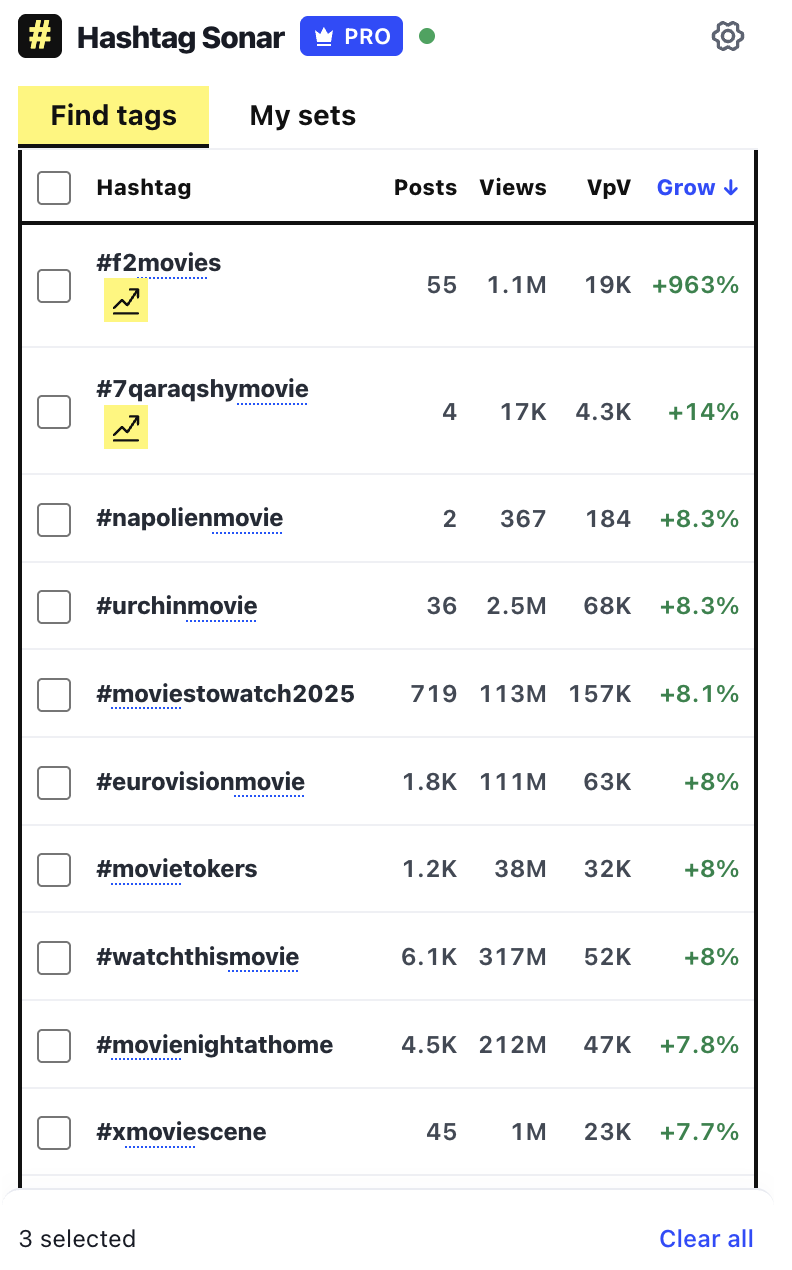
See which tags are gaining views. Sort by growth to discover opportunities beyond the same familiar, high-volume hashtags.
MAKE THE NUMBERS USEFUL
Compare popularity, competition and growth to build a set that fits your video.
Choose tags that describe your content. Metrics help you compare options; they do not guarantee reach.
LESS SCROLLING. BETTER SHORTLISTS.
Use the Fast growing and Low comp signals to find promising tags in your search results.
Fewer new posts. Stronger average views. A useful starting point for your shortlist.
Tags with the strongest measured view growth among the results you’re exploring.
Signals use comparable snapshots when available. A new tag can still appear in search before it has growth history.
FROM RESEARCH TO YOUR NEXT POST
Select the tags you want, save a set for later, copy them together or send them to your TikTok caption.
Keep your favorite combinations in My sets and reuse them for your next idea.
A SMALL ADDITION TO YOUR WORKFLOW
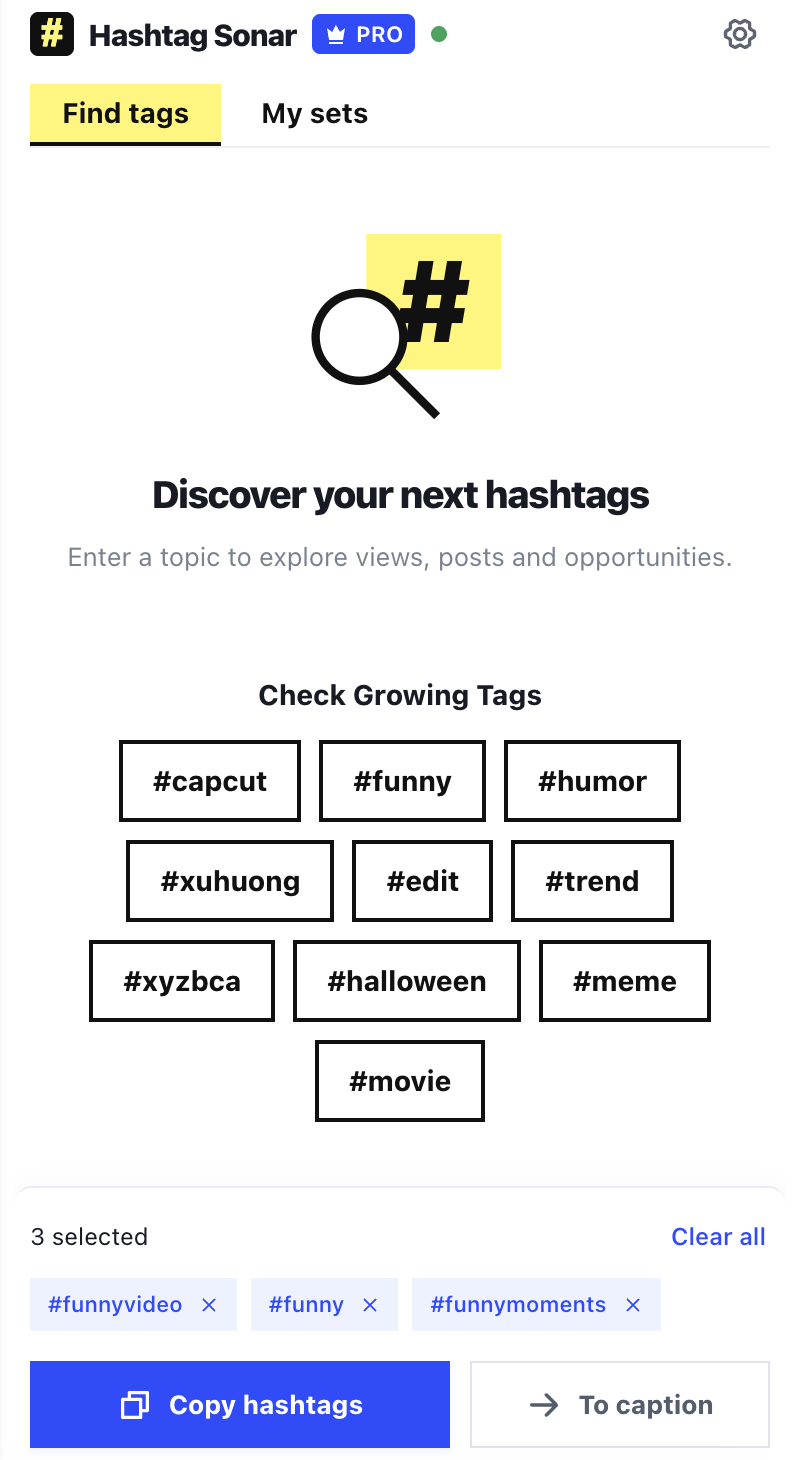
Open Hashtag Sonar in Chrome while browsing TikTok. Enter a word or phrase.
Sort the metrics, check the signals and choose tags that match your video.
Copy your selection or send it to your caption. Save a set to use again.
START SMALL. EXPLORE MORE.
$0/ month
20 extension searches / month
Try Free$10/ month
500 extension searches / month
See Starter$20/ month
2,000 extension searches / month
See ProTry 5 searches as a guest. Extension allowances renew each calendar month (UTC) and are separate from workspace searches. Prices exclude applicable tax.
GOOD TO KNOW
Hashtag Sonar helps you find hashtag ideas while browsing TikTok in Chrome. Compare post counts, views, views per video and available growth data, then select tags to copy, save as a set or send to your caption.
Yes. Guests have 5 extension searches per calendar month. A free Hashtag Sonar account includes 20. Starter includes 500 and Pro includes 2,000 searches per month.
It highlights potential opportunities relative to your search results: tags with a lower rate of new posts and higher views per video. Comparable snapshots and enough posts are needed to calculate this signal. It is a research signal, not a prediction of your video’s performance.
Hashtag Sonar compares views between available snapshots. Fast growing highlights tags with strong positive measured growth relative to the other results. The date and availability of earlier data affect which tags qualify.
Broad topics can return hundreds of suggestions. The number depends on your query and the matching tags available. A very specific topic may have fewer results.
Yes. Sign in through Hashtag Sonar to connect your account to the extension. Your plan determines your monthly allowance. Extension searches use their own quota, separate from searches in the web workspace.
Bring your research into the place where you create.
Add to Chrome